IPTV Setup on Android Phone
Watch IPTV on your Android phone or tablet. Works with Samsung Galaxy, Google Pixel, OnePlus, and all Android devices.
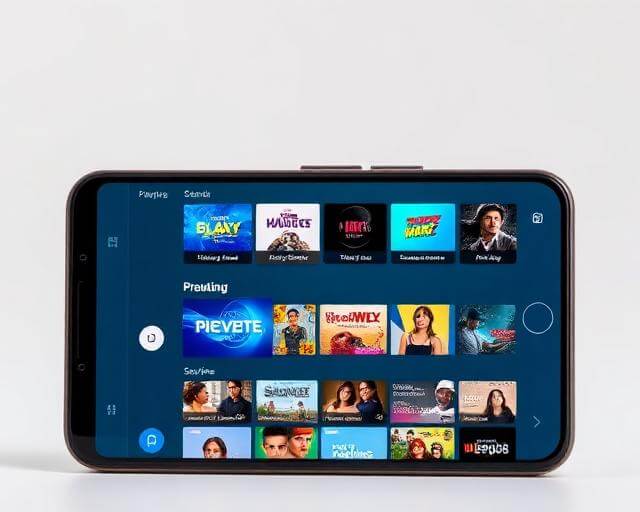
Before You Start
- An active IPTV subscription with login credentials
- An Android phone or tablet running Android 7.0+
- Access to Google Play Store
Step-by-Step Installation
Open Google Play Store
Tap the Play Store icon on your home screen or app drawer.
Download an IPTV Player
Search for 'IPTV Smarters Pro' or 'TiviMate IPTV Player'. Tap Install to download. These are the most popular and reliable players for Android.
Open the App
Once installed, tap Open or find the app in your app drawer. Grant any requested permissions for storage and notifications.
Log In with Your Credentials
Select 'Xtream Codes API' and enter your server URL, username, and password. These are provided in your subscription confirmation email.
Start Watching On the Go
Your channels load instantly. Use Chromecast to cast to your TV, or enjoy watching directly on your phone. Picture-in-picture mode lets you multitask while watching.
Troubleshooting Tips
App not compatible with your device?
Try downloading the APK directly from the official website. Enable 'Install from Unknown Sources' in Settings → Security first.
Picture-in-picture not working?
Go to Settings → Apps → [IPTV App] → Advanced → Picture-in-picture → Allow. This feature requires Android 8.0 or later.
Chromecast not finding your TV?
Ensure both your phone and Chromecast are on the same Wi-Fi network. Restart the Chromecast from the Google Home app.