Learn how to install IPTV in Canada with our step-by-step IPTV Installation Canada guide. Setup IPTV on Smart TV, Firestick, Android, iPhone, Windows and Mac in minutes.
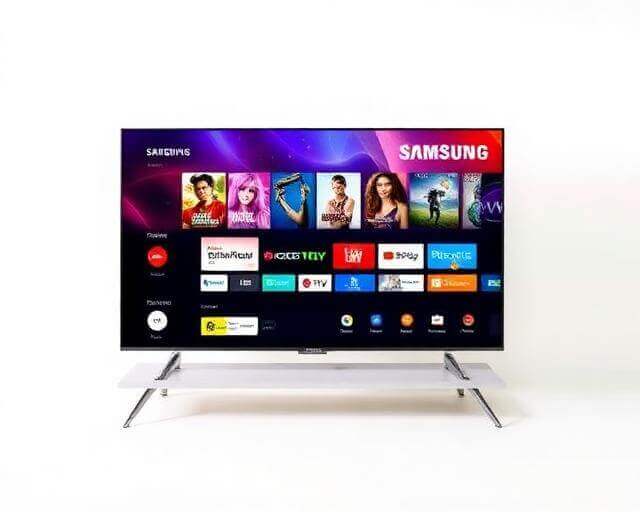
- Open your TV's app store (Smart Hub / LG Store / Play Store).
- Search for & install an IPTV player app.
- Enter your login credentials and start watching.
Android TV
- Open the Google Play Store on your Android TV.
- Download a recommended IPTV player app.
- Log in with your credentials — channels load automatically.
Firestick
- Search for an IPTV player in the Amazon Appstore.
- Install the app and open it.
- Enter your login details and enjoy streaming.
iPhone & iPad
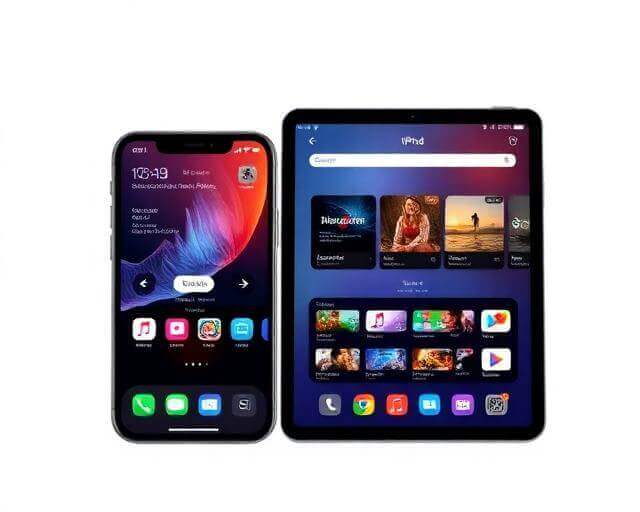
- Download an IPTV player from the App Store.
- Open the app and enter your credentials.
- Browse channels and start watching instantly.
Android Phone
- Install an IPTV player from Google Play Store.
- Launch the app and log in.
- Your channel list loads — enjoy on the go!
Windows PC
- Download an IPTV player from the Microsoft Store.
- Install, open, and enter your login details.
- Select a channel and start watching.
Mac
- Download a trusted IPTV player from the Mac App Store.
- Open the app and enter your credentials.
- Start streaming your favourite channels.
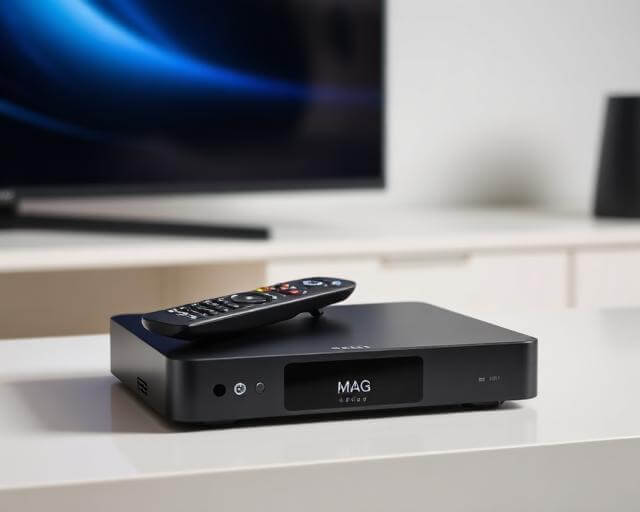
MAG Box
- Connect your MAG device to your TV and internet.
- Go to Settings → Servers → Portals and enter your portal URL.
- Save and restart — channels load automatically.
Our support team is available 24/7 to help you get started.