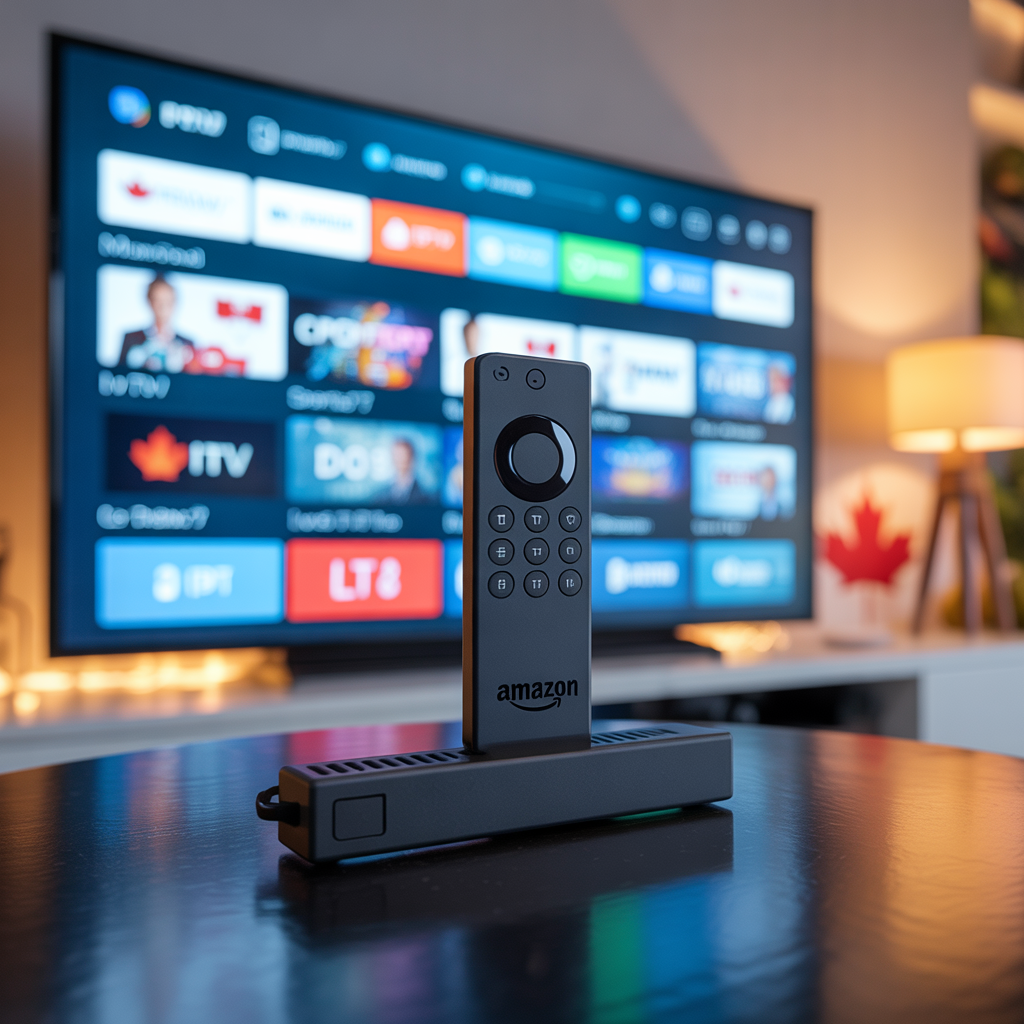
The Amazon Firestick is one of the most popular devices for streaming IPTV in Canada — and for good reason. It’s affordable, easy to use, and supports all major IPTV apps. In this 2025 guide, we’ll show you exactly how to install IPTV on Firestick in Canada, step by step, even if you’ve never done it before.
whatsapp for contact : +33756758551
⏱️ Total setup time: Under 10 minutes
What You’ll Need Before You Start
Before we begin, make sure you have:
- ✅ An Amazon Firestick (any generation) or Fire TV
- ✅ A stable internet connection (minimum 25 Mbps recommended)
- ✅ An active IPTV subscription (like IPTVShop.ca)
- ✅ Your M3U URL or Xtream Codes from your provider
Step 1 — Enable Apps from Unknown Sources
By default, Firestick in Canada blocks apps not from the Amazon Store. You need to allow third-party installs first.
- Go to your Firestick Home Screen
- Click on Settings (top menu)
- Select My Fire TV → then Developer Options
- Turn ON “Apps from Unknown Sources”
- Confirm by clicking “Turn On”
✅ Done — your Firestick can now install IPTV apps
Step 2 — Download the Downloader App
The Downloader app lets you install any Firestick in Canada app directly on your Firestick.
- Go back to the Home Screen
- Use the Search icon (🔍) and type:
Downloader - Select the Downloader app (orange icon)
- Click Download and wait for it to install
- Open Downloader and allow storage permission
Step 3 — Choose Your IPTV App
There are several great IPTV apps compatible with Firestick in Canada. Here are the top options:
| App | Best For | Format Supported |
|---|---|---|
| IPTV Smarters Pro | Beginners | M3U + Xtream Codes |
| TiviMate | Advanced users | M3U + Xtream Codes |
| GSE Smart IPTV | Multi-playlist | M3U |
| Duplex Play | Clean UI | M3U + Xtream Codes |
| Smarters Lite | Free option | M3U |
💡 Recommended for Canada: Firestick in Canada Smarters Pro or TiviMate — both work perfectly with IPTVShop.ca
Step 4 — Install IPTV Smarters Pro (Recommended)
Option A — Via Downloader (APK)
- Open the Downloader app
- In the URL bar, type:
https://www.iptvsmarters.com/smarters.apk - Click Go and wait for the download
- Click Install when prompted
- After install, click Open
Option B — Via Amazon App Store
- Search “IPTV Smarters Pro” in the Amazon Store
- Download and install directly
- Open the app
Step 5 — Add Your IPTV Subscription
Now it’s time to connect your IPTVShop.ca subscription:
Using Xtream Codes (Easiest Method):
- Open IPTV Smarters Pro
- Select “Add User” → “Login with Xtream Codes API”
- Enter your details:
- Username: (from your IPTVShop.ca confirmation email)
- Password: (from your confirmation email)
- Server URL: (provided by IPTVShop.ca)
- Click “Add User”
- Wait for channels to load ✅
Using M3U URL:
- Select “Add User” → “Load Your Playlist / Stream / M3U URL”
- Paste your M3U URL from IPTVShop.ca
- Click “Add”
- Channels will load automatically ✅
Step 6 — Start Watching!
Once loaded, you’ll have access to:
- 📺 15,000+ live channels including CBC, CTV, TSN, Sportsnet
- 🎬 20,000+ movies & TV shows on demand
- 🏒 Live sports — NHL, NFL, UFC, NBA, CFL
- 🇫🇷 French-Canadian channels — TVA, RDS, V Télé
Tips for the Best IPTV Experience on Firestick in Canada
🚀 Boost Your Streaming Speed
- Use ethernet adapter instead of WiFi when possible
- Restart your Firestick regularly to clear cache
- Close background apps before streaming
📡 Reduce Buffering
- Connect to a 5GHz WiFi band (not 2.4GHz)
- Use a VPN if your ISP throttles streaming traffic
- Choose servers closest to Canada in your IPTV app
🔋 Optimize Firestick Performance
- Go to Settings → Applications → Manage Installed Apps
- Clear cache on unused apps
- Consider a Firestick 4K Max for best performance
Troubleshooting Common Issues
| Problem | Solution |
|---|---|
| App won’t install | Re-enable “Unknown Sources” in Developer Options |
| Channels not loading | Check your M3U URL or Xtream credentials |
| Buffering issues | Switch to 5GHz WiFi or use ethernet |
| App crashing | Clear cache or reinstall the app |
| No sound/video | Check stream quality setting in app |
🏆 Why Use IPTVShop.ca for Your Firestick?
IPTVShop.ca is built specifically for Canadian viewers and is fully compatible with all Firestick models:
- ✅ Works with IPTV Smarters, TiviMate & all major apps
- ✅ M3U URL & Xtream Codes both supported
- ✅ 15,000+ channels including all Canadian networks
- ✅ 4K & Full HD quality — zero buffering
- ✅ 24/7 Canadian customer support
- ✅ Plans from just $15 CAD/month
- ✅ Free 24-hour trial — no credit card needed
👉 Get Your Free Trial at IPTVShop.ca →
Frequently Asked Questions
Is it legal to use IPTV on Firestick in Canada? Using IPTV apps on Firestick is perfectly legal. The legality depends on the content provider you subscribe to. Always choose a reputable provider like IPTVShop.ca.
Which Firestick model is best for IPTV in Canada? The Firestick 4K Max is the best option for IPTV due to its faster processor and Wi-Fi 6 support. However, any Firestick generation works fine for standard HD streaming.
Do I need a VPN for IPTV on Firestick in Canada? A VPN is not required, but it can help reduce ISP throttling and improve streaming speeds on some Canadian networks.
Can I use IPTVShop.ca on multiple Firesticks? Yes — depending on your plan, you can use up to 5 simultaneous connections, perfect for different rooms or family members.
What internet speed do I need for IPTV on Firestick? Minimum 10 Mbps for HD streaming. For 4K content, we recommend at least 25 Mbps.
Final Thoughts
Installing IPTV on your Firestick in Canada is easier than you think — and once it’s set up, you’ll wonder why you didn’t cut the cord sooner. Follow this 2025 guide and you’ll be streaming in under 10 minutes.
Ready to get started? Try IPTVShop.ca free for 24 hours → — no credit card required.