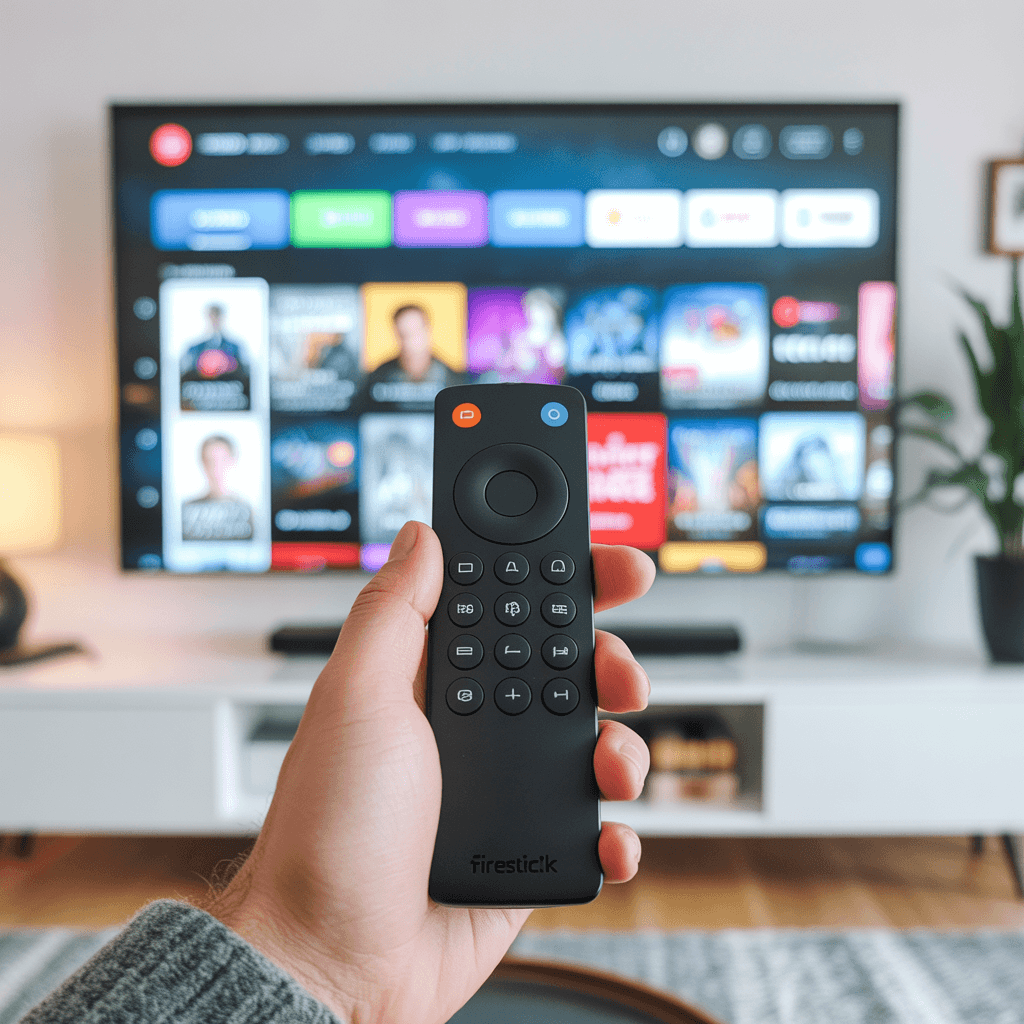
If you’re looking for the best app to watch your IPTV subscription in Canada, IPTV Smarters Pro is the answer. It’s the most popular, most reliable, and easiest IPTV player available in 2026 — and it works perfectly with IPTVShop Canada. This guide covers everything you need to know: what IPTV Smarters Pro is, how to install it on every device, how to connect it to your IPTVShop subscription, and how to get the best performance out of it.
WHATSAPP CONTANCT : +33756758551
What Is IPTV Smarters Pro?
IPTV Smarters Pro is a free IPTV player application that lets you watch live TV channels, on-demand content, and catch-up TV through any IPTV subscription. It was developed by Smarters Solutions and has become the go-to app for IPTV users worldwide — including thousands of Canadians who use it daily with IPTVShop.
Unlike other IPTV players, IPTV Smarters Pro offers a clean, modern interface that feels similar to Netflix or Disney+. You get an organized channel list, an electronic program guide (EPG), a catch-up section, and a VOD library — all in one place.
The best part: IPTV Smarters is free to download on every major platform. You only need an active IPTV subscription to use it — like the one offered at IPTVShop.ca.
Why Canadians Choose IPTV Smarters Pro
There are several IPTV player apps available in 2026, but IPTV Smarters Pro consistently stands out for Canadian users. Here’s why:
| Feature | IPTV Smarters Pro | Other IPTV Players |
|---|---|---|
| Interface quality | Modern, Netflix-style | Varies — often outdated |
| EPG (program guide) | Built-in, automatic | Manual setup required |
| Multi-profile support | Yes — up to 5 profiles | Limited or none |
| VOD & catch-up TV | Fully integrated | Separate app needed |
| Device compatibility | All major devices | Often limited |
| Free to use | ✅ Yes | Mostly yes |
| Regular updates | ✅ Yes | Varies |
| External player support | ✅ Yes (VLC, MX Player) | Limited |
For Canadians who want a smooth, reliable, and professional streaming experience with their IPTVShop subscription, IPTV Smarters Pro is the clear choice.
Devices Compatible with IPTV Smarters Pro
One of the biggest strengths of IPTV Smarters is its wide device compatibility. Whatever device you use at home, there’s a good chance IPTV Smarters runs on it:
| Device | IPTV Smarters Pro available? | Where to download |
|---|---|---|
| Amazon Firestick / Fire TV | ✅ Yes | Amazon Appstore |
| Android TV Box | ✅ Yes | Google Play Store |
| Android Phone & Tablet | ✅ Yes | Google Play Store |
| iPhone & iPad | ✅ Yes | Apple App Store |
| Samsung Smart TV | ✅ Yes | Samsung App Store |
| LG Smart TV | ✅ Yes | LG Content Store |
| Windows PC | ✅ Yes | Microsoft Store |
| MAG Box | ⚠️ Use built-in portal | N/A |
| Apple TV | ⚠️ Use GSE Smart IPTV | Apple App Store |
| Roku | ⚠️ Use 3rd-party app | Roku Channel Store |
If you’re not sure which device and app combination is right for your setup, our support team at IPTVShop is available 24/7 to help you choose.
How to Install IPTV Smarters Pro on Firestick
The Amazon Firestick is the most popular streaming device in Canada, and IPTV Smarters works perfectly on it. Here’s how to install it:
Step 1 — Enable apps from unknown sources Go to Settings → My Fire TV → Developer Options → Apps from Unknown Sources → turn ON.
Step 2 — Download the Downloader app Search for “Downloader” in the Amazon Appstore and install it. This allows you to sideload IPTV Smarters directly.
Step 3 — Enter the IPTV Smarters Pro URL Open Downloader and enter the official IPTV Smarters APK download URL. The app will download and install automatically.
Step 4 — Open IPTV Smarters Once installed, open IPTV Smarters and proceed to the setup section below to connect your IPTVShop subscription.
How to Install IPTV Smarters Pro on Android
Installing IPTV Smarters Pro on an Android phone, tablet, or TV box is straightforward:
Step 1 — Open the Google Play Store on your Android device. Step 2 — Search for IPTV Smarters and tap Install. Step 3 — Wait for the download to complete and open the app. Step 4 — Follow the setup instructions below to connect your IPTVShop credentials.
How to Install IPTV Smarters Pro on iPhone & iPad
IPTV Smarters Pro is available on iOS and works well on all iPhones and iPads running iOS 13 or above:
Step 1 — Open the Apple App Store on your iPhone or iPad. Step 2 — Search for IPTV Smarters and tap Get. Step 3 — Wait for the installation to complete and open the app. Step 4 — Connect your IPTVShop subscription using the steps below.
How to Connect IPTVShop to IPTV Smarters Pro
Once IPTV Smarters is installed on your device, connecting your IPTVShop Canada subscription takes less than two minutes:
| Step | Action |
|---|---|
| 1 | Open IPTV Smarters Pro on your device |
| 2 | Tap “Add New User” or “Login with Xtream Codes API” |
| 3 | Enter a name for your profile (e.g. IPTVShop) |
| 4 | Enter your IPTVShop username and password (sent to your email) |
| 5 | Enter the IPTVShop server URL (provided in your welcome email) |
| 6 | Tap “Add User” and wait for the channels to load |
| 7 | Browse your channel list and start watching |
Your full channel list — including all Canadian networks, sports, and international channels — will appear automatically inside IPTV Smarters within seconds of connecting.
If you don’t have your IPTVShop credentials yet, subscribe or start a free trial here and you’ll receive everything by email within minutes.
IPTV Smarters Pro: Key Features Explained
Once connected, IPTV Smarters offers a range of features that make your viewing experience much better than a basic IPTV player:
| Feature | What it does |
|---|---|
| Live TV | Browse and watch all your live channels in one place |
| Electronic Program Guide (EPG) | See what’s on now and upcoming on every channel |
| Catch-up TV | Watch content you missed from the past 7 days |
| VOD Library | Access movies and TV series on demand |
| Favourites | Save your most-watched channels for quick access |
| External player support | Use VLC or MX Player for better performance |
| Multi-profile | Set up different profiles for each family member |
| Parental controls | Lock adult content with a PIN |
| Subtitles | Enable subtitles on supported content |
How to Get the Best Performance on IPTV Smarters Pro
IPTV Smarters works best when your setup is optimized. Here are the key settings to adjust for a buffer-free experience in Canada:
| Setting | Recommended value | Why it matters |
|---|---|---|
| Connection type | Ethernet over Wi-Fi | Reduces buffering significantly |
| Internet speed | 10 Mbps minimum for HD | Ensures smooth playback |
| Video player | External (VLC or MX Player) | Better hardware decoding |
| Buffer size | Medium or large | Prevents freezing on slower connections |
| EPG update | Every 12 hours | Keeps program guide accurate |
| Reconnect on error | Enabled | Auto-reconnects if stream drops |
If you’ve followed these settings and still experience issues with IPTV Smarters Pro, our support team at IPTVShop can walk you through a personalized fix in minutes.
IPTV Smarters Pro vs Other IPTV Players
How does IPTV Smarters Pro compare to the other popular IPTV apps in 2026?
| App | Best for | Interface | EPG | VOD | Free? |
|---|---|---|---|---|---|
| IPTV Smarters Pro | All users, all devices | ⭐⭐⭐⭐⭐ | ✅ Built-in | ✅ Yes | ✅ Yes |
| TiviMate | Android / Firestick power users | ⭐⭐⭐⭐⭐ | ✅ Built-in | ✅ Yes | Freemium |
| GSE Smart IPTV | iOS / Apple TV users | ⭐⭐⭐⭐ | ✅ Built-in | ✅ Yes | Freemium |
| Perfect Player | Android basic users | ⭐⭐⭐ | Manual | ❌ No | ✅ Yes |
| VLC | PC / Mac | ⭐⭐⭐ | ❌ No | ❌ No | ✅ Yes |
For most Canadian users, IPTV Smarters is the best starting point — it’s free, easy to set up, works on every device, and integrates perfectly with IPTVShop Canada.
Common IPTV Smarters Pro Issues and Fixes
| Problem | Most likely cause | Quick fix |
|---|---|---|
| App won’t load channels | Wrong credentials | Double-check username, password, URL |
| Buffering on all channels | Slow internet or Wi-Fi | Switch to ethernet, check speed |
| EPG not showing | EPG URL missing | Re-enter EPG URL in settings |
| App crashes on startup | Outdated version | Update IPTV Smarters Pro in app store |
| Black screen on some channels | Player compatibility | Switch to external player (VLC) |
| Channels load slowly | Server distance | Contact IPTVShop to switch server |
Most issues with IPTV Smarters Pro are solved within minutes. If yours isn’t on this list, contact our support team and we’ll help you directly.
Frequently Asked Questions — IPTV Smarters Pro
Is IPTV Smarters Pro free? Yes. IPTV Smarters Pro is completely free to download and use on all platforms. You only need an active IPTV subscription — like IPTVShop Canada — to access channels.
Does IPTV Smarters Pro work in Canada? Absolutely. IPTV Smarters is one of the most widely used IPTV players in Canada. It works on all Canadian internet connections and with all major Canadian ISPs including Rogers, Bell, Videotron, and Shaw.
How many devices can I use IPTV Smarters Pro on? You can install IPTV Smarters Pro on as many devices as you like. The number of devices that can stream simultaneously depends on your IPTVShop plan — from 1 to 5 connections.
Do I need a VPN to use IPTV Smarters Pro? No. IPTV Smarters Pro works perfectly without a VPN. Some users add one for extra privacy, but it is not required and can sometimes reduce performance.
What’s the difference between IPTV Smarters and IPTV Smarters Pro? IPTV Smarters is the updated, premium version of the original Smarters app. It includes a better interface, more features, EPG support, VOD integration, and multi-profile management — all for free.
A Note from the IPTVShop Team
We recommend IPTV Smarters Pro to the majority of our Canadian customers because it’s the easiest, most reliable, and most complete IPTV player available today. Whether you’re setting it up for yourself, your family, or someone who isn’t tech-savvy, IPTV Smarters Pro makes the experience simple and enjoyable from the first minute.
If you’re ready to get started, subscribe to IPTVShop Canada here and you’ll receive your credentials by email within minutes — ready to plug straight into IPTV Smarters Pro on any device you choose.
And if you have any questions before or after subscribing, our team is here 24/7. We’d rather spend 10 minutes helping you set up correctly than have you struggle alone.